
Attimage
An attachment image asset definition used by rendering features: render targets, depth buffers, and other intermediate rendering surfaces. Unlike the component templates, this template doesn’t generate any C++ source. It produces a single data file, with your chosen dimensions and pixel format already filled in.
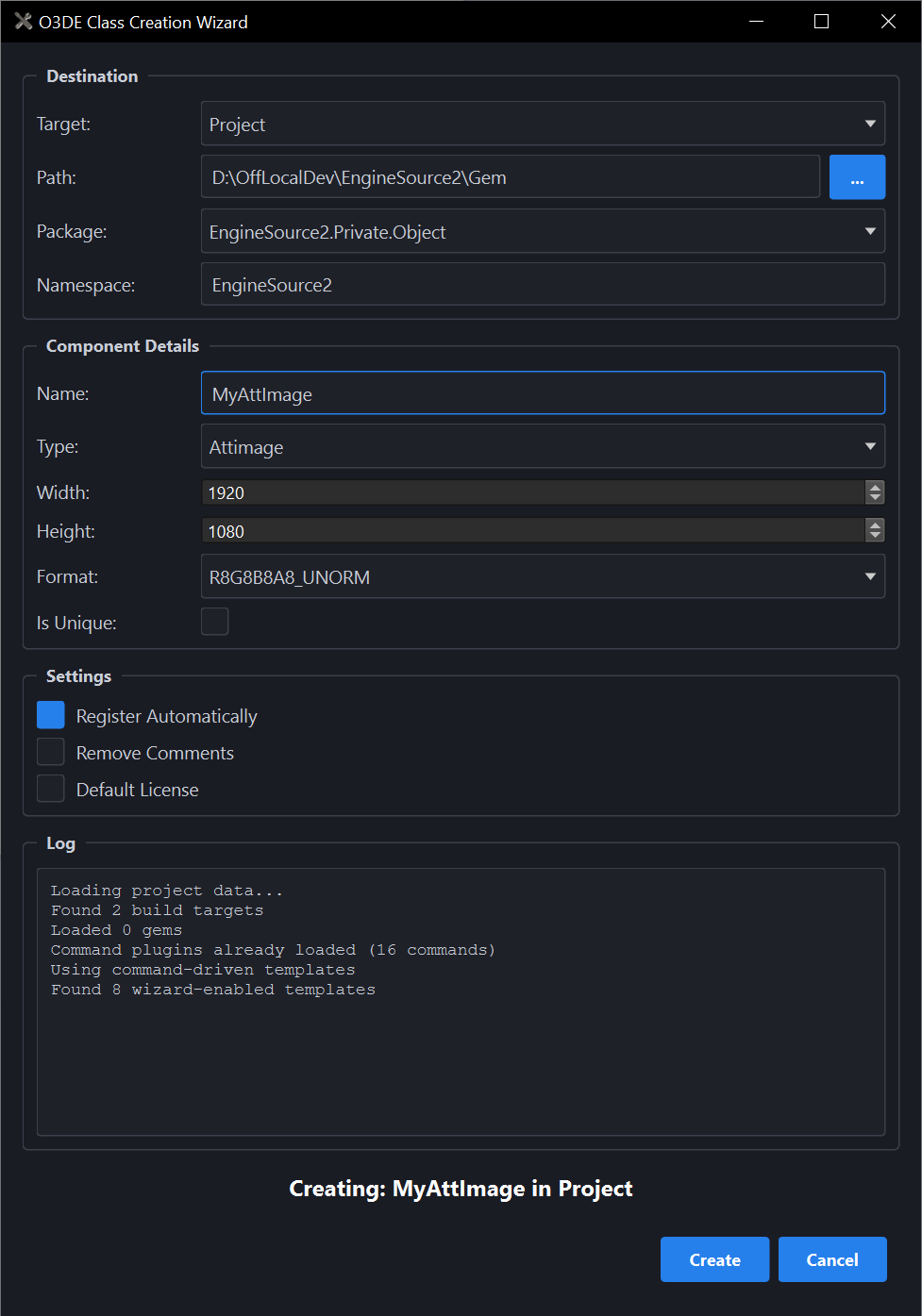
What you’ll fill in:
| Field | What it does |
|---|---|
| Width / Height | The image’s dimensions in pixels. Default 1920 x 1080. |
| Format | The pixel format for the image, chosen from a dropdown of engine-supported GPU formats. Default R8G8B8A8_UNORM. |
| Is Unique | Marks the image as unique when it’s generated. |
Fill in a Name for the image. Set Width and Height, or leave them at their defaults. Choose a Format from the dropdown, or leave it at R8G8B8A8_UNORM. Turn on Is Unique if this image should be marked unique. Pick the Gem you’re adding it to, then select Create. The generated attachment image is ready to use as a UI render target, a camera render target, or a render pass/shader output.
For the full template.json schema, see
Attimage in the Developer Guide.