
LyShine Component
A UI component for the LyShine (UI 2.0) system. Use it to create custom UI elements that work within the UiCanvas framework: buttons, health bars, inventory slots, and other interactive UI elements. The wizard adds the LyShine gem dependency for you automatically.
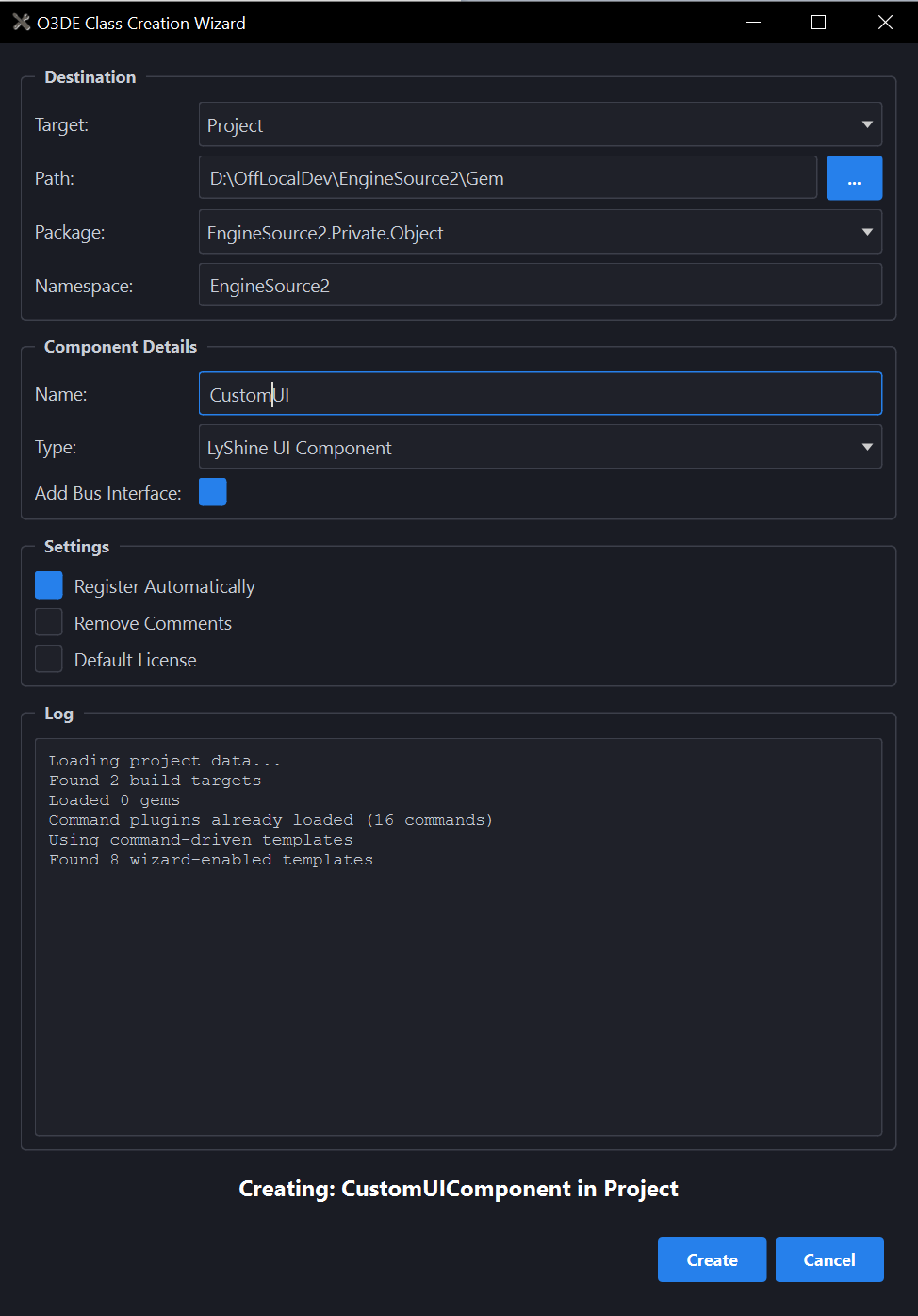
What you’ll fill in:
| Field | What it does |
|---|---|
| Add Bus Interface | On by default. Generates a companion EBus interface header so other components can talk to this one. |
| Add Editor Comp. | Only shown if your gem has an Editor module. Generates an EditorComponent wrapper so this component shows up and can be edited in the Editor’s Entity Inspector. |
Fill in a Component Name. Pick the Gem you’re adding it to. Then select Create. This component appears only in the LyShine UI Editor, in the Add Component menu of the Element Inspector.
For the full generated file list, process commands, and template.json schema, see
LyShine Component in the Developer Guide.