
Gradient Editor
The Gradient Editor appears when you double click a gradient in the Open Particle System Editor UI, to allow you to modify gradients of color.
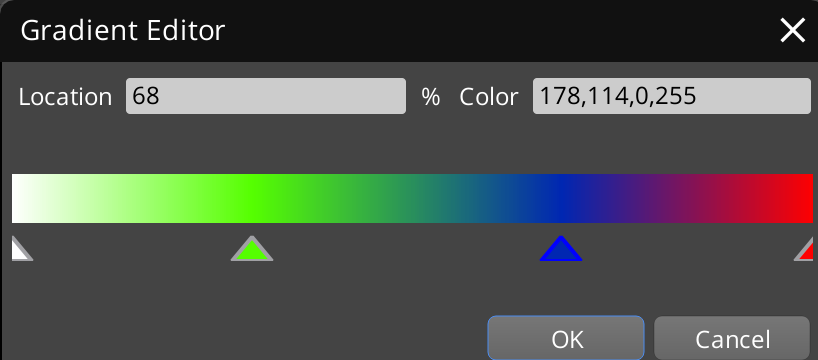
** Editing Values **
- Left Click on a triangle below the gradient display to select it and modify its properties.
- Right Click in the area below the gradient display (between the triangles) to add a new value.
- Right Click on a specific triangle to pop up a menu to delete it.
- Double CLick on a specific triangle to pop up a color picker to change its color value assigned.
- Drag a triangle with the Left Mouse Button to change the Location value.