IN THIS ARTICLE
Emitter Module Shape
This module can cause particles to be emitted within the bounds of a shape, instead of just at a specific point in space.
It consists of a drop down menu for “which shape” to spawn in. The sections below will cover each shape properties.
Point Shape
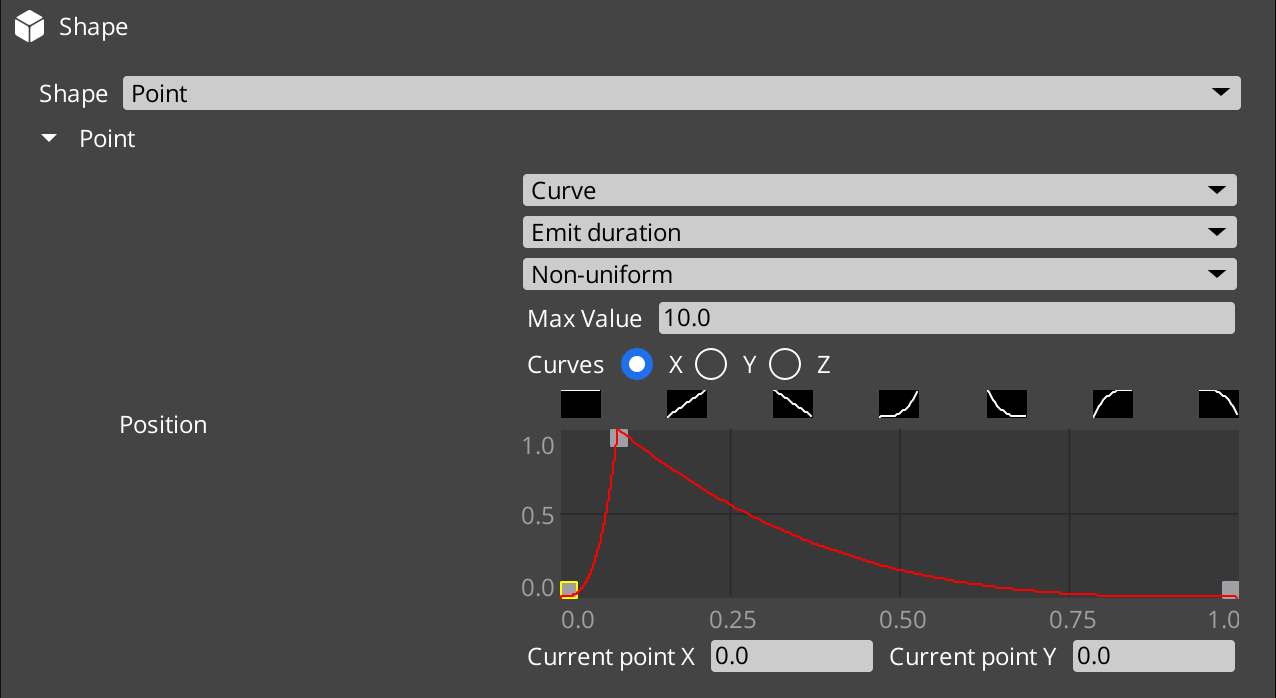
- Uses a standard Distribution Property UI.
- Allows you to spawn within a random range, or cause the particle emission point to move along a curve.
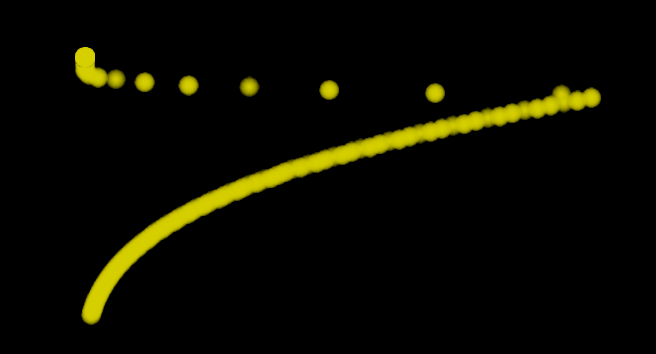
For example, the following curve set causes particles to start emitting at the origin, then over time, the spawn location would move sharply along x (towards the right), then back again more smoothly.
If we apply this to a particle emitter that emits particles that travel upwards over time, we end up with it looking like this:
Box Shape
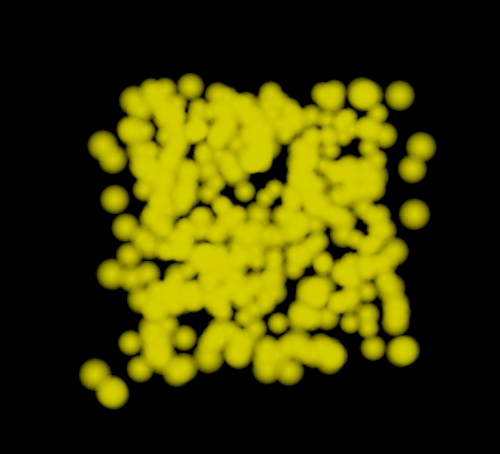
Emits particles randomly within the bounds of a box shape of the location and size you specify in the properties.
- Position - the center of the box
- Size - the dimensions of the box
Sphere Shape
Emits particles randomly within the bounds of a sphere with the given properties.
- Axis - orients the sphere, if desired. This chooses which axis the sphere’s “North Pole” points at.
- Position - Can offset the sphere’s center
- Radius - the Radius of the sphere. Larger values yield a larger sphere.
- Ratio - Scales the Radius down by this value.
- Angle - How much of the sphere spawns - for example, if this is set to 90 degrees, only one 90 degree slice of the sphere will emit particles, like the wedge of an orange or lemon.
- Radius Thickness - At the value
0.0, particles will only be emitted on the skin of the sphere. At1.0particles would be emitted anywhere within the sphere, including the very center. Numbers between this value control how close to the center of the sphere particles may be emitted.
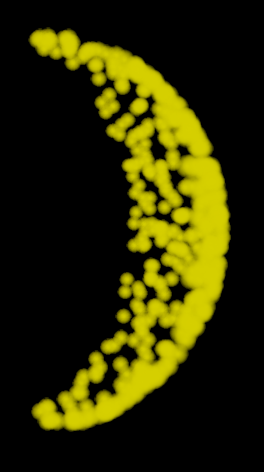
For example, if we set the Radius Thickness to 0.0, and the Angle to 90 degrees, particles may be emitted like so:
Torus Shape
Emits particles within a torus volume.
- Center - Allows you to offset the torus center.
- Torus Radius - Distance from the center to the middle of the torus ring
- Tube Radius - The distance from the center of the torus ring to the edge of the actual torus.
- Torus Axis - the direction the torus considers to be “up”.
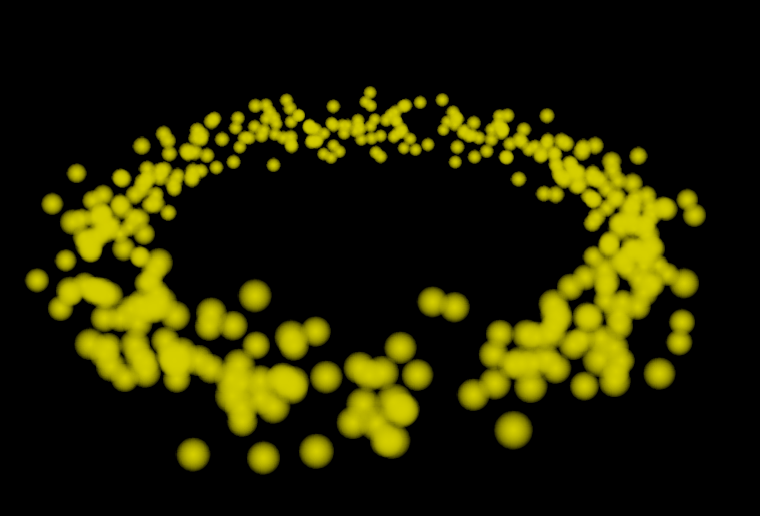
Example: Torus shape with center (0,0,0), Radius 5.0, Tube Radius 1.0, and Axis (0,0,1):
Cylinder Shape
Emits particles within a cylinder’s volume.
- Axis - chooses the orientation of the cylinder, which axis is “upwards”.
- Position - allows you to offset the cylinder.
- Radius - the distance from the center to the cylinder’s outside edge.
- Height - how “Tall” the cylinder is from base to top.
- Angle - How much of the cylinder spawns particles. For example,
90degrees would spawn particles only in a quarter of the cylinder’s volume, like a quarter pie slice. - Radius thickness - as this value goes from
1.0to0.0particles are spawned closer and closer to the outer edge of the cylinder, rather than inside its whole volume.
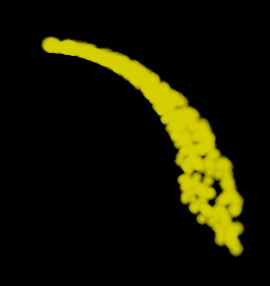
Example: Cylinder shape with Angle 90, and Radius Thickness 0.0, viewed from above, showing how the Angle property causes it to make a pie segment, while the Radius Thickness value of 0.0 causes particles only to be emitted on the outer skin of the cylinder.
Mesh Shape
Emits particles in relation to a given mesh.
The first choice here to make is what part of the mesh to use.
- Mesh Sample Type
- Bone - Works only on skeleton models like characters. Spawns particles on the bones of the character.
- Vertex - Spawns particles at vertex locations within the model.
- Area - Spawns particles within the area of the mesh itself.
- Scale - Allows you to enlarge the scale of the model, before emitting.
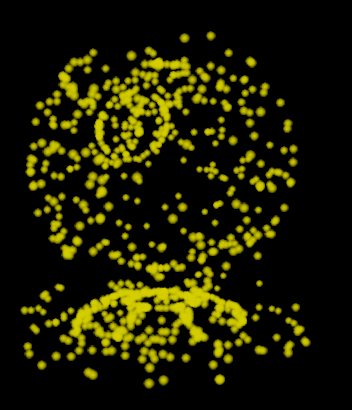
Example: Spawning particles on the shader ball model, in Vertex mode: